Coming soon · Windows

Kermi Office

A whole AI company on your PC. A manager who plans, a team of specialists who build, test and report, and you, the owner, approving from anywhere.

Measured in our own office

More work. A fraction of the cost.

We ran the same office for 8 days: 4 days before Kermi Office’s cost controls (one never-reset manager session, the most expensive model for everyone) and 4 days after (right model per job, automatic compaction, handoff notes, account rotation).

97%cheaper per unit of work
4.2×more work done per day
$855 → $111API-equivalent cost per day
$3,864of API-priced work in 8 days, run on subscriptions

How we measured: every agent turn is logged with its token counts; cost is those tokens at public API list prices, as computed by the app (Nov 15–22, 2026, one office, ~5,200 logged turns). “Per unit of work” = cost per million output tokens ($118.8 → $3.63). The agents actually ran on Claude and ChatGPT subscriptions, which start at $20/month, so the API-priced figure is what the same work would have cost on pay-as-you-go keys. Your numbers will depend on your plan and workload.

Everything inside

Not an app. A whole company system.

15AI employees
90+skills on tap
8“brains” per job type
3+AI engines on your plans
4ways to reach the office
24/7keeps working while you’re away

Team & management

  • Manager splits work and delegates
  • Hire new employees on request
  • Job description + memory per employee
  • Task board and live floor view
  • Meetings and stand-ups every few hours
  • Levels from junior to senior
  • Team templates to start fast
  • Export any employee to reuse

Never loses work

  • Progress log for every step
  • Resumes interrupted tasks after restart
  • Handoff notes survive context resets
  • Automatic compaction to save tokens
  • Project memory, learnings, bug log
  • Knowledge graph and project archive
  • Every turn and its cost logged

AI accounts & models

  • Claude, ChatGPT/Codex, Gemini by subscription
  • Many accounts of the same service
  • Auto-switch when a limit is reached
  • A model per job: plan, build, review…
  • Employees switch model themselves
  • Usage-limit alerts before you hit the wall

Your computer

  • Adobe apps via MCP (Photoshop, Illustrator, InDesign, After Effects)
  • Staff browser with automation tools
  • Owner browser with Chrome extensions
  • File access per folder: off, read, write
  • A live terminal for every employee
  • Drag files and screenshots into chat
  • Voice dictation

Reach & control

  • Private web link for phone and laptop
  • One-time QR pairing per device
  • Chat with the manager on WhatsApp
  • Telegram approvals and commands
  • Approve / Deny from anywhere
  • Keeps the PC awake while you’re out

Safety

  • Review gate before commit and push
  • Deletes, payments, messages need your yes
  • Security employee vets every new skill
  • Remote devices can’t touch settings or keys
  • Revoke a lost phone in one click

The 3D office

  • Walk in first person
  • Click anyone to chat
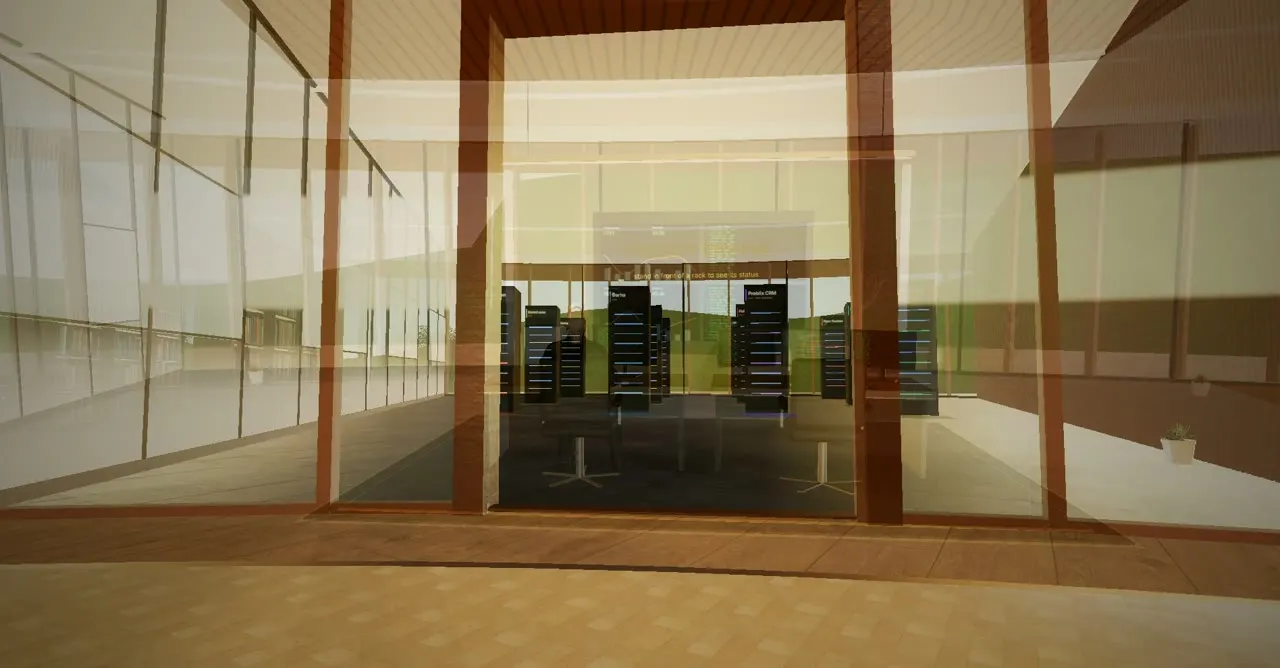
  • Data room: one rack per project
  • Real meetings in the boardroom
  • Day, night and weather
  • Owner desk = a full desktop

Setup

  • Guided installer, step by step
  • Team, skills and memory system included
  • Adobe MCP ready to switch on
  • Clean start: no one else’s data

Inside the app

Everything in one place, built to be easy

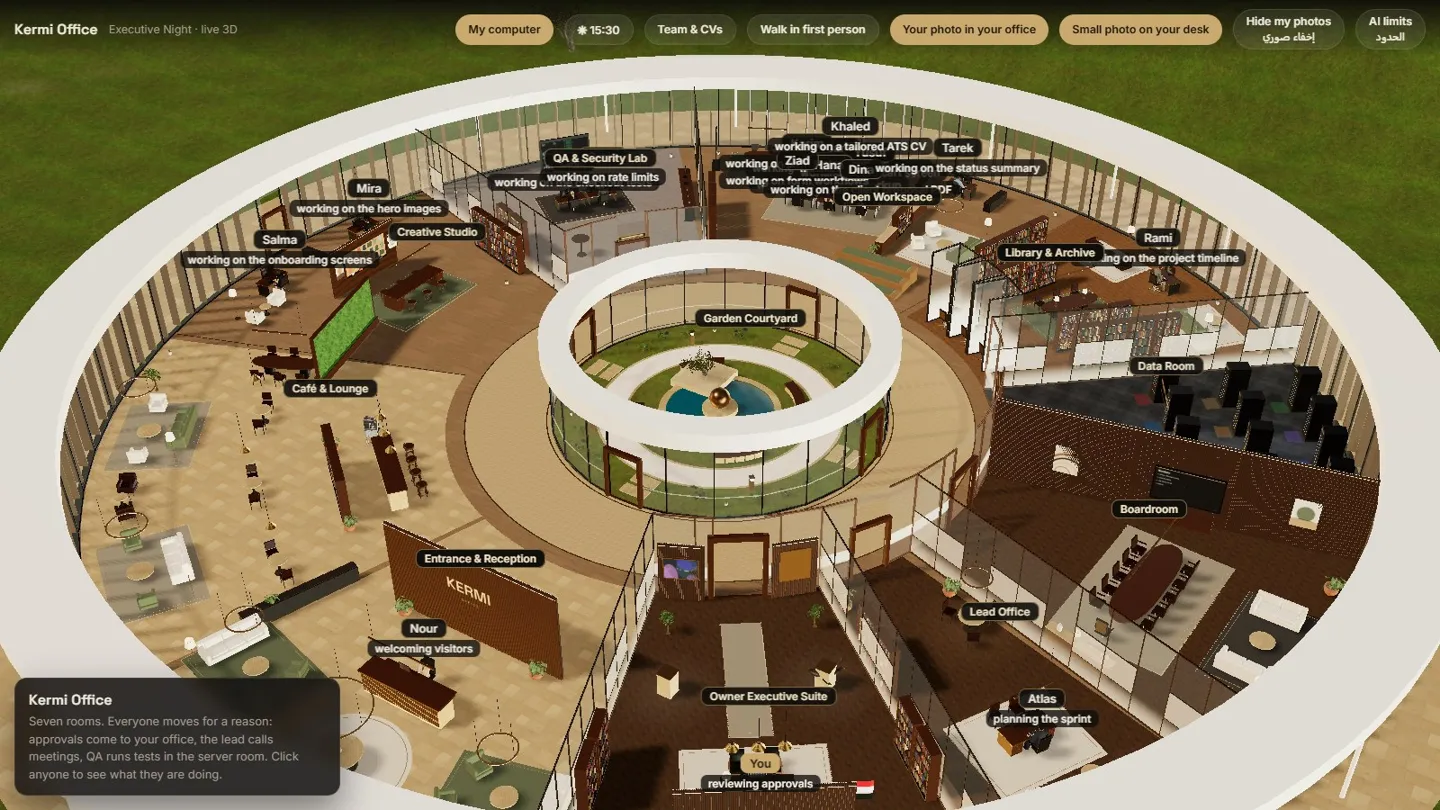
The live office floor with every employee's current task
The live floorEvery employee, where they are and what they’re doing right now.
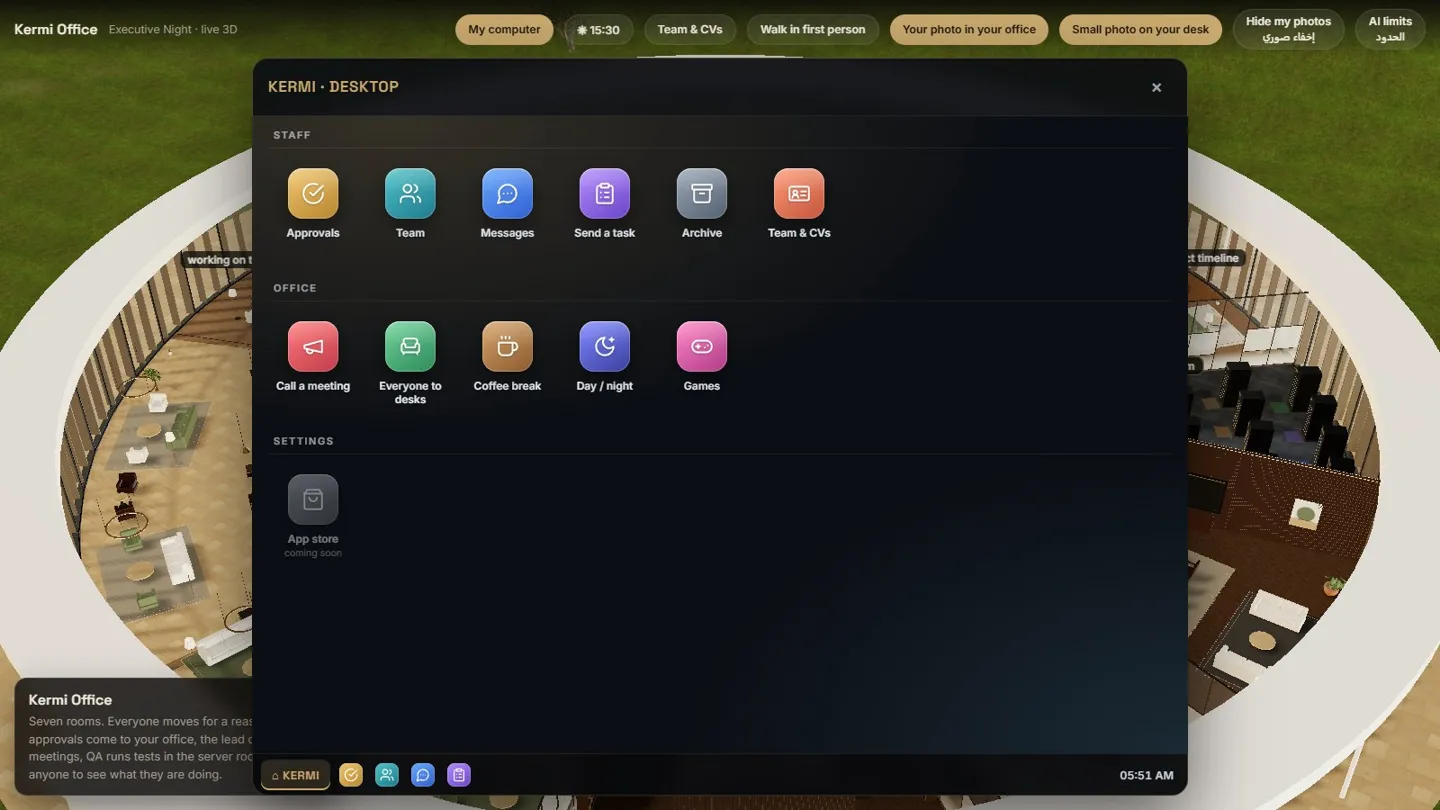
The owner's desktop: approvals, team, messages, tasks, archive
Your desktopApprovals, team, messages, tasks, archive and meetings, one click each.
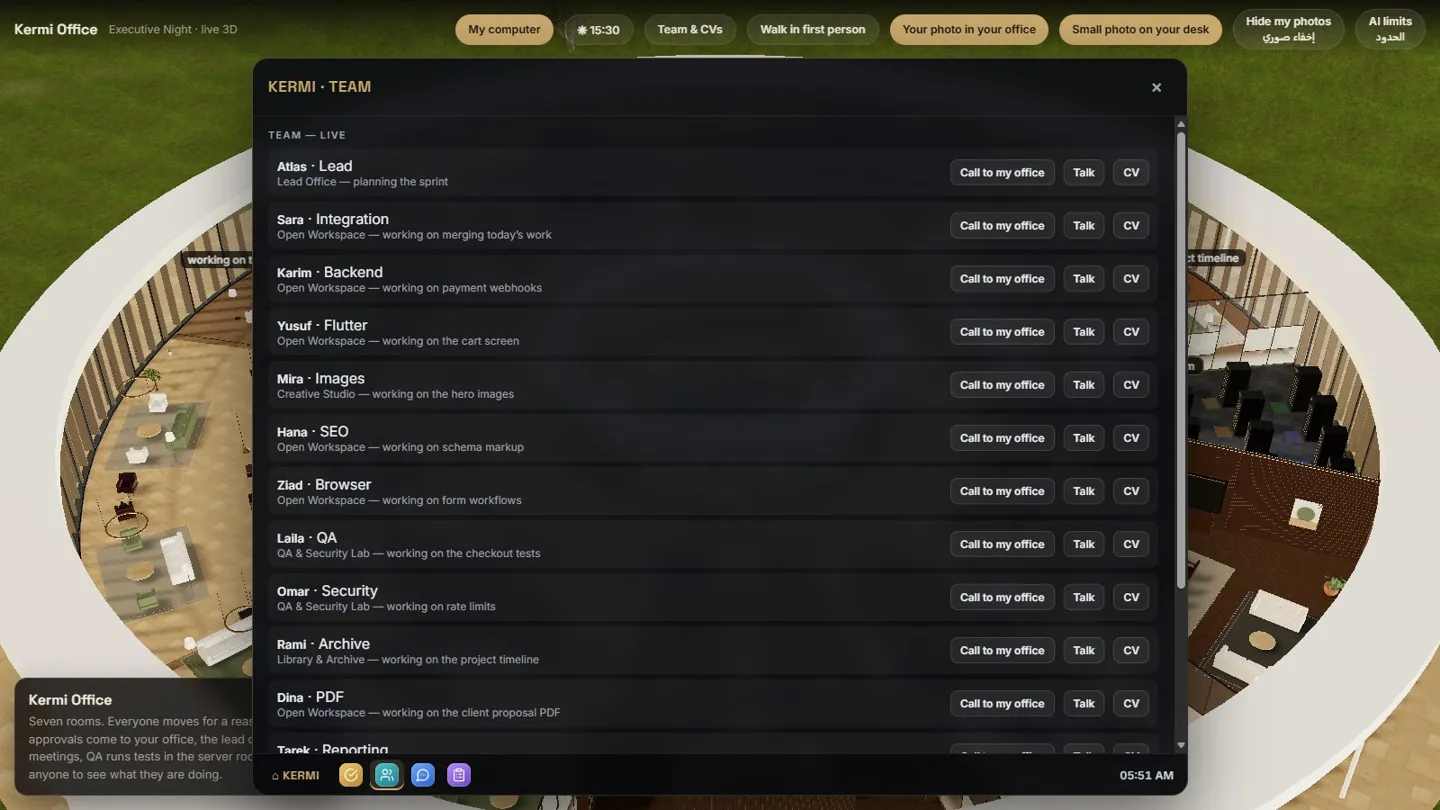
The team list with call, talk and CV buttons
Your teamCall anyone to your office, talk to them, or open their CV and skills.
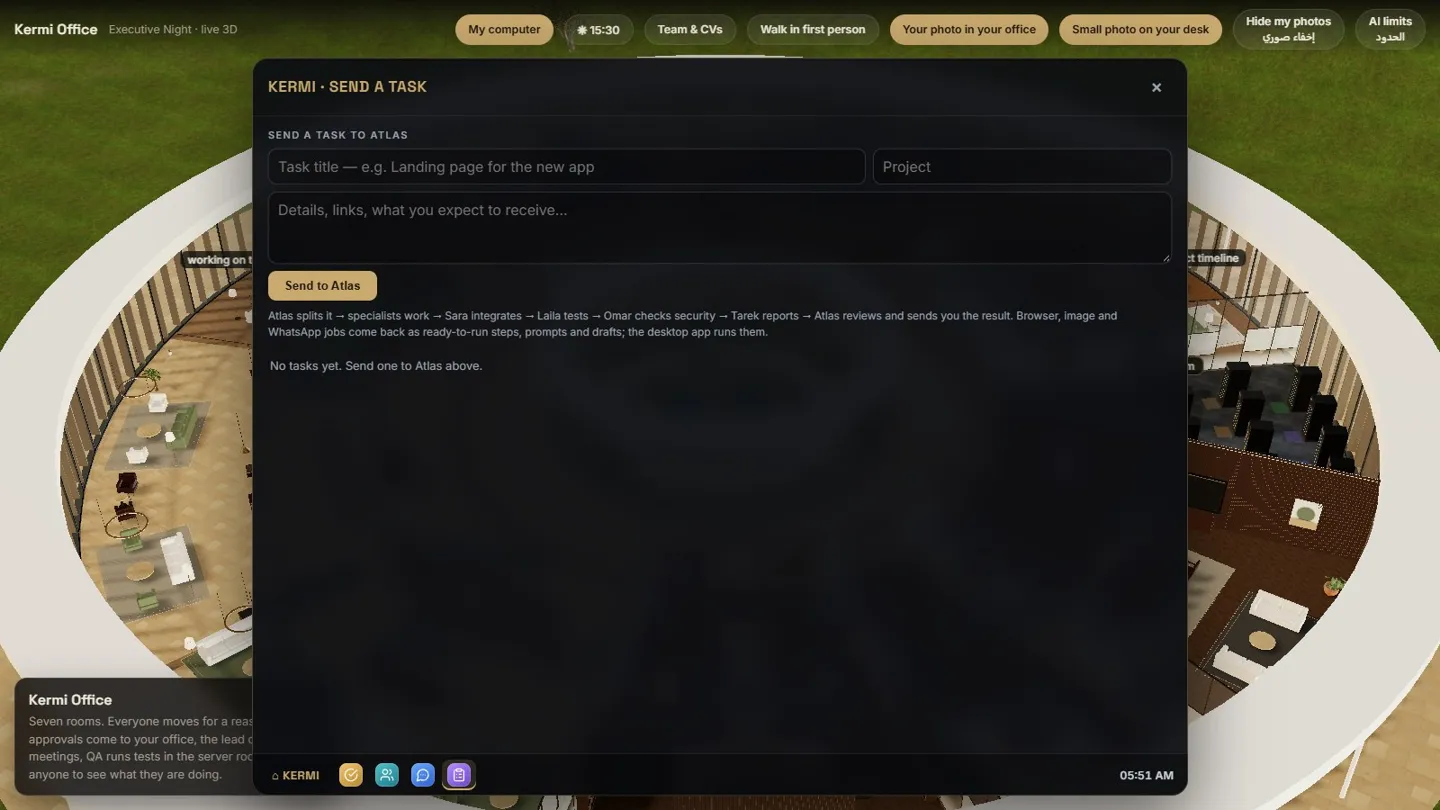
Sending a task to the manager
One box for any taskWrite what you want. The manager plans it and the team delivers.

How a task moves

From one sentence to a finished job

  1. Youwrite one line, from the PC, your phone or WhatsApp
  2. Managersplits it into tasks and picks the specialists
  3. Specialistsbuild in parallel, each in their own workspace
  4. QA + Securitytest it and check it before anything ships
  5. Reportyou get the result and approve the final step

Apps & websites

Backend, Flutter and web work, tested and reviewed, with commits waiting for your OK.

Design & print

Posters, logos, social posts, magazines and motion graphics in your own Adobe apps: Photoshop, Illustrator, InDesign and After Effects.

Marketing & SEO

Site audits, AI-search visibility, articles and promo videos made in code.

Reports & documents

Weekly reports, proposals and PDFs in Arabic and English.

Job hunting

Finds jobs, researches each company and builds a tailored CV with a personal note.

Browser chores

Forms, data entry and research in a staff browser that never touches your logins unless you allow it.
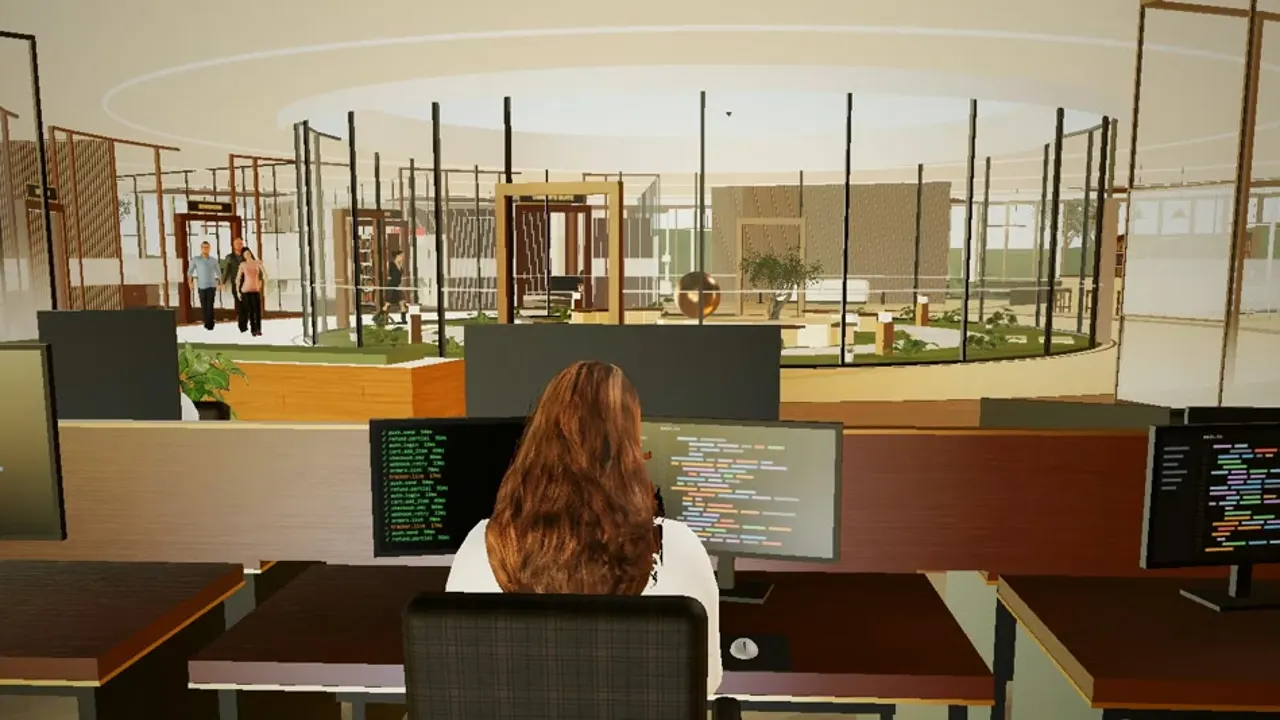
AI employees working at their desks in Kermi Office

The team

A manager and 14 specialists, ready on day one

Tell the manager what you want. He splits it into tasks, wakes the right people, follows up, and reports back. Each employee has a job description, a memory and a progress log, so work survives restarts and usage limits.

  • Backend
  • Flutter & mobile
  • UI/UX design
  • QA & testing
  • Security
  • SEO & AI search
  • Browser automation
  • Images
  • PDF & documents
  • Reports
  • Archive & memory
  • Integration
  • Messaging
  • Job hunting

Need a role that isn’t there? Ask the manager. He hires a new employee, writes the job description, and gives them the skills the task needs. Every new skill is checked by the security employee before it is installed.

Your subscriptions, multiplied

No API keys needed. Bigger limits for less.

Sign in, don’t pay per token

Employees run on the AI plans you already have: Claude, ChatGPT (Codex) and Gemini. One monthly price instead of a meter that runs all day.

Several accounts, one office

Add two or more accounts of the same service. When one hits its usage limit, the office moves to the next and every employee continues exactly where they stopped.

The right brain for each job

Planning, building, quick tasks, review, research, images, video and voice can each use a different model and account. Heavy models only where they pay off.
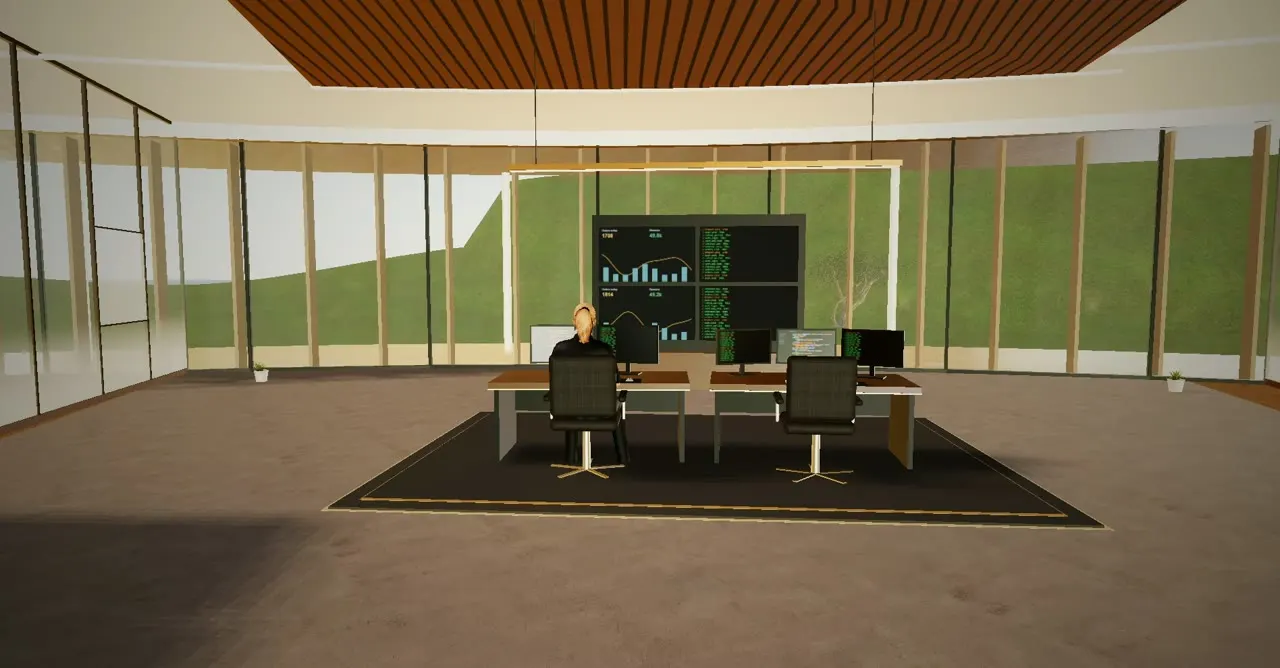
The manager's desk with live dashboards

Hands on your computer

Your PC, your apps, your Adobe suite

  • Adobe apps: Photoshop, Illustrator, InDesign, After Effects through a ready MCP connector installed with the office: designs, edits, layouts and exports done by your team.
  • A browser for the staff with its own profile, or your own browser when you allow it.
  • Your files, your rules: no access, read-only, or read and write, folder by folder.
  • An in-app browser and desktop on the owner’s desk, with Chrome extensions.

From anywhere

Fully online. Run it all from your phone.

The office keeps working on your PC at home; your phone is the full remote. See the team, watch what’s running now, give tasks, approve, chat with any employee and dictate by voice, from anywhere in the world.

Your own web address

Open the office from any phone or laptop through a private link. Pair a device once with a QR code; read live terminals, type replies, add tasks.

The manager on WhatsApp

Message the manager on WhatsApp like a real person. He answers there, and permission requests arrive with Approve and Deny buttons. Telegram works too.

You stay the boss

Commits, pushes, deletes, payments and messages wait for your yes. Remote devices can drive the team but never change settings, keys or files directly.

A real place to watch

A 3D office where your agents actually live

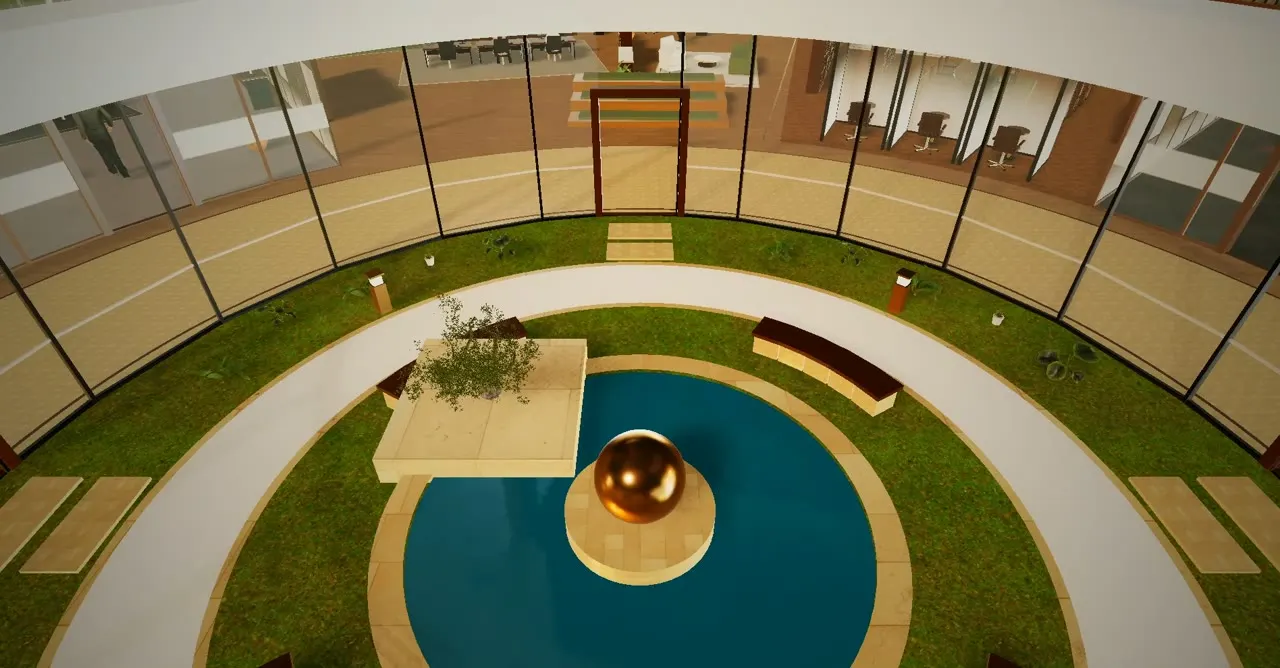
Every employee is a person at a desk. When they work, they type; when they meet, they walk to the boardroom; when they wait, they take a coffee. Click anyone to chat, walk in first person, open the data room to see every project.

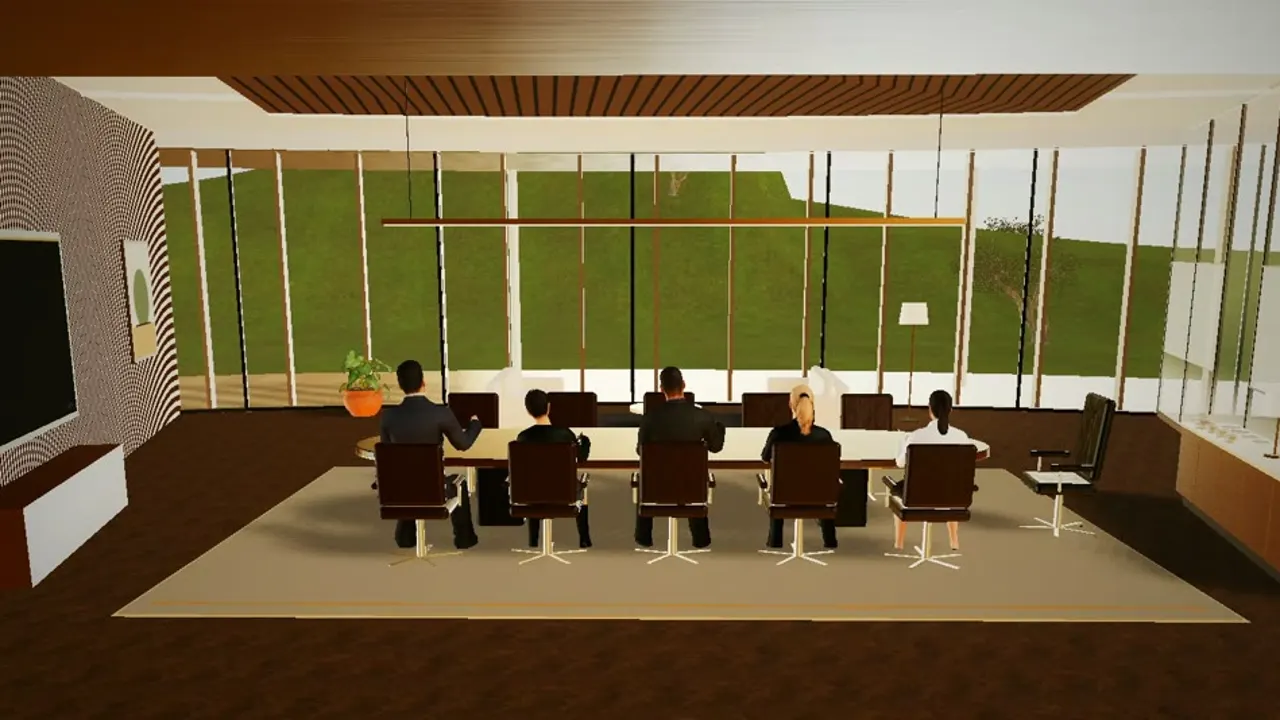
Kermi Office entrance A meeting in the boardroom The data room with one rack per project The garden courtyard

Guided setup

Install once. Get the whole system.

  1. EnginesInstalls Claude Code and checks Codex and Gemini.
  2. AccountsSign in to your AI plans. Add as many accounts as you like.
  3. Team & skillsThe starting team, their job descriptions and a library of vetted skills.
  4. Memory systemProject memory, learnings and a bug log so the team doesn’t repeat mistakes.
  5. ConnectorsAdobe apps MCP, staff browser, phone access, WhatsApp and Telegram, each optional.

A clean install: no one else’s data, projects or accounts. Just the team, the skills and the tools, ready for your work.

Questions

When is Kermi Office available?

It is in final testing on Windows. Ask for early access and we will write to you when your copy is ready.

Do I need API keys?

No. The office signs in with your existing AI subscriptions (Claude, ChatGPT/Codex, Gemini). API keys are optional.

Does my work leave my computer?

The office runs on your PC. Your projects and files stay there; only the prompts your employees send go to the AI services you signed in to. Remote access is off until you turn it on.

Can it really use Adobe apps?

Yes. A connector talks to the Adobe apps already installed on your PC (Photoshop, Illustrator, InDesign and After Effects): it creates documents, places images, writes text in Arabic or English, builds layouts and animations, and exports files. You need your own Adobe licence.

Get early access