KERMI

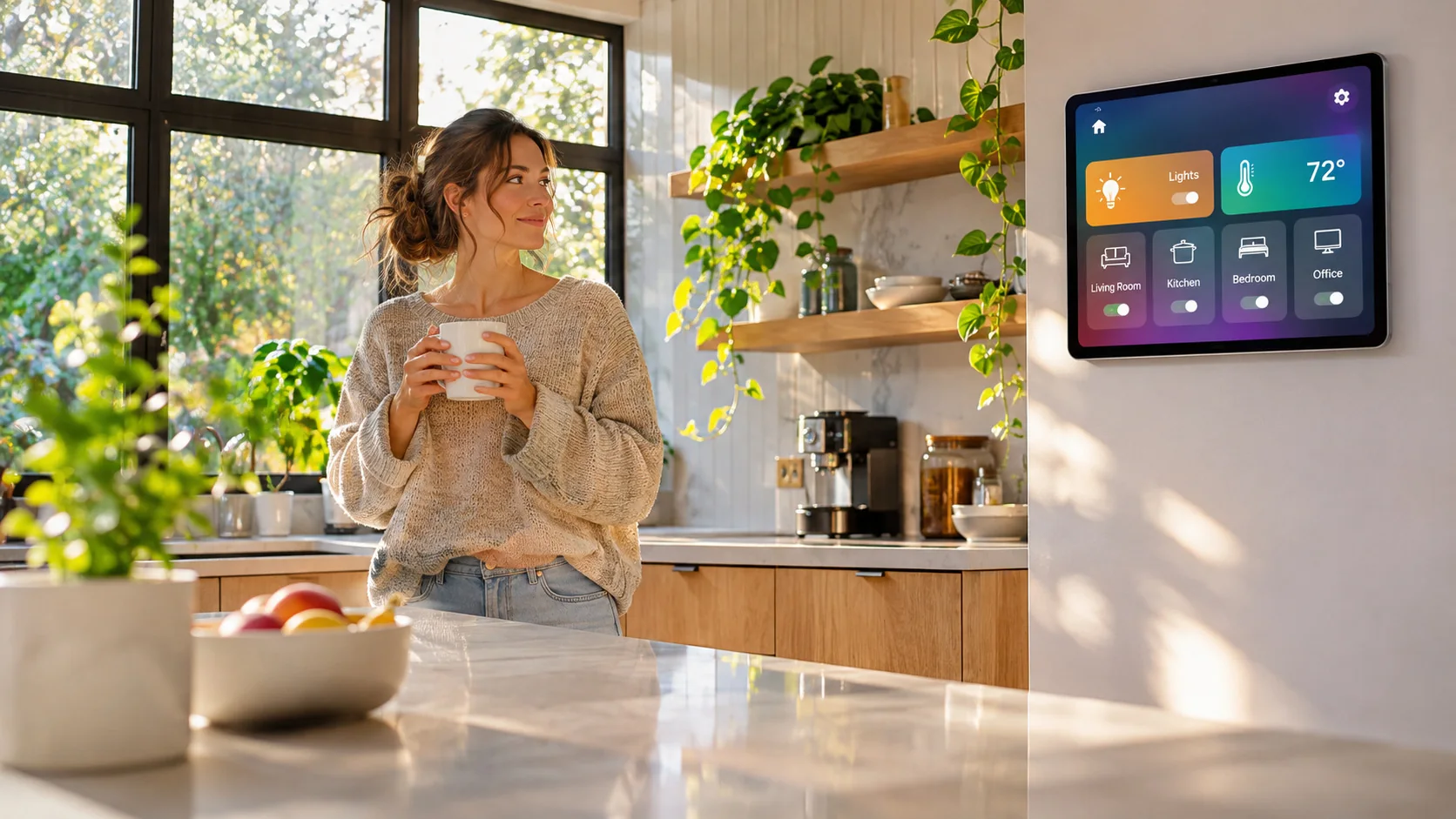
The old tablet on your kitchen wall
Lights, rooms and scenes from your own Home Assistant, a clock and what is playing, always one glance away.
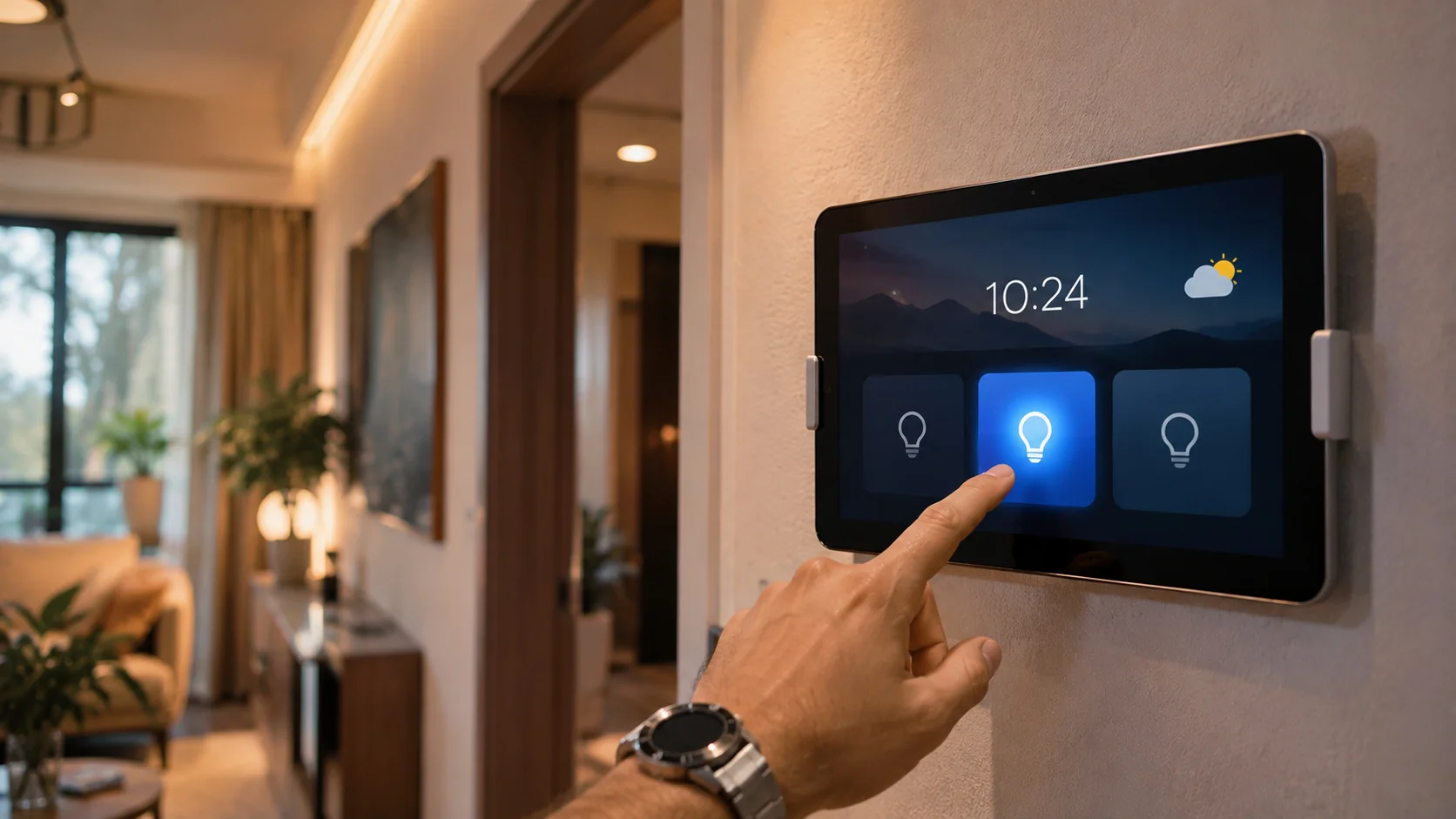
Mount an old Android tablet on the wall or leave it on a stand and it becomes your smart home panel: a clock, the weather, your lights by room, scenes, safety sensors and now playing, all in one calm screen. It connects to your own Home Assistant. No ads, no account, no cloud from Kermi.
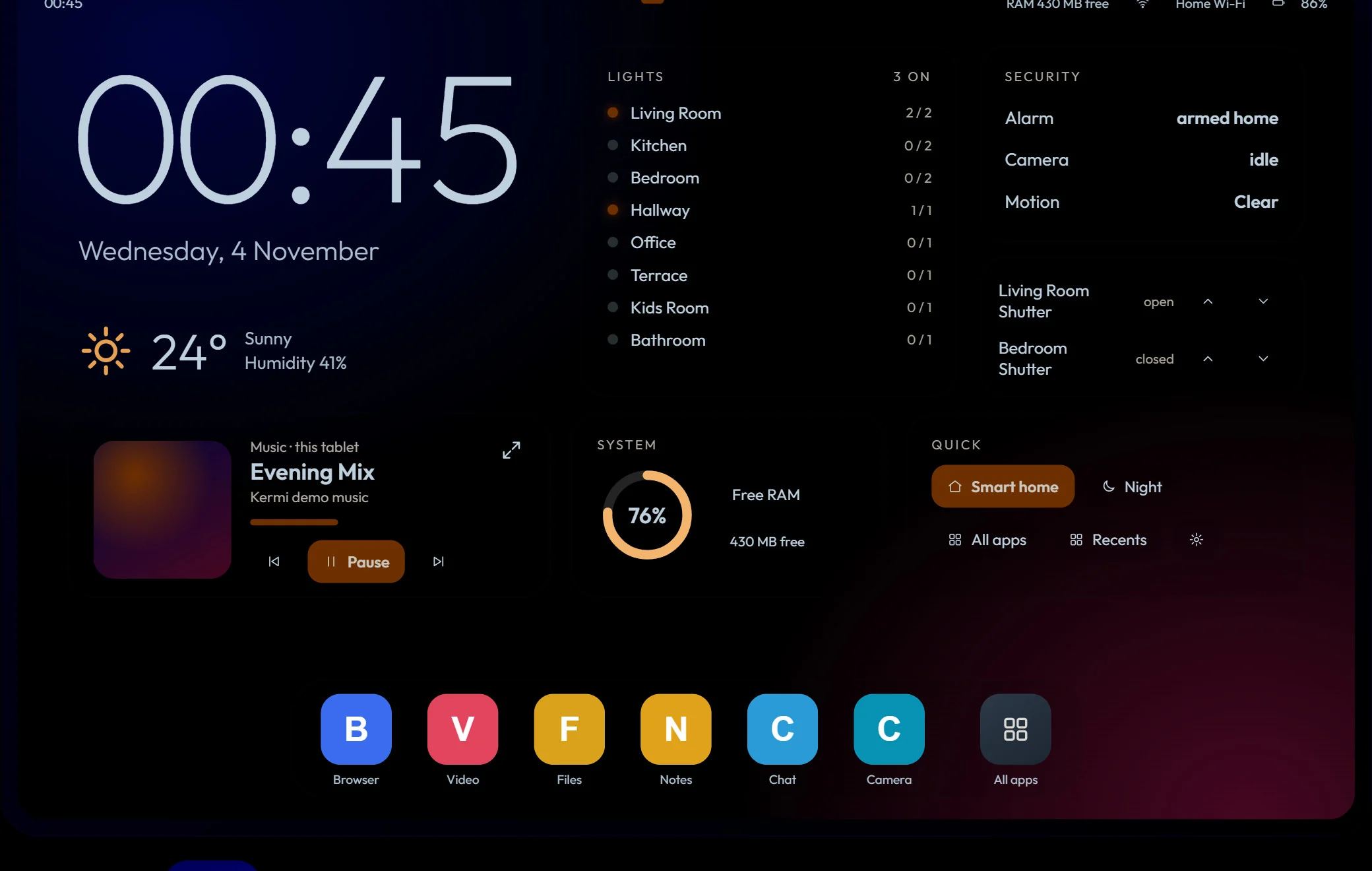
This is the real layout running in your browser with a made-up demo home. Drag the tablet left and right to move between the five pages, turn lights on and off, apply a scene, open the gas valve (it needs two taps on purpose), change the accent colour and try night mode.
Interactive: drag the tabletThe panel interface is in English in version 1.0. Everything you see here is demo data.
Lights, rooms and scenes from your own Home Assistant, a clock and what is playing, always one glance away.
A wall panel costs hundreds of dollars. A ten-year-old tablet with Android 7 or later does the same job for free.
Swipes follow your finger, the page redraws only when something changes, and a memory ring shows how the tablet is doing.
It talks to your Home Assistant directly. Your home data never passes through Kermi servers.
Download it on the tablet and open it, or install it from your PC. The guide below shows both.
In Settings, Home Assistant, paste your address and a long-lived access token. The app tests it and your rooms appear.
Press Home and choose Kermi Domi, then Always. The tablet now wakes into your panel.
Big clock and date, weather, lights by room, now playing, and a dock of your favourite apps.
Every Home Assistant area with its lights and switches, plus all-off and all-on buttons.
Run the scenes and scene scripts you already made in Home Assistant with one tap.
Camera snapshot, gas sensors with a soft chime on alarm, temperature, humidity and a gas valve that needs two taps to open.
Swipe up for all apps. Hold an app for open, window, pin, close, info and uninstall.
Title, progress, play, pause and volume for whatever is playing, after you allow notification access once.
When the tablet charges and sits idle, the screen dims to a quiet clock. Tap to wake. It shows a note if the battery is low.
A card tells you when a new version is ready and what changed. Update now, or Remind me later.
adb install Kermi-Domi.apkadb shell cmd package set-home-activity one.kermi.domi/one.kermi.domi.MainActivityhttp://homeassistant.local:8123 http://192.168.1.20:8123 https://home.example.comUse an address the tablet can reach from where you mount it. Outside your home network use a secure https address (for example Nabu Casa or a Cloudflare tunnel). Treat the token like a password: anyone who has it can control your home. You can delete it any time from the same Home Assistant page.
SHA-256:
Only for the smart home parts. Without it the panel still works as a clean home screen with a clock, apps, night mode and now playing.
Yes. It is free, has no ads and needs no account.
The token is stored only on your tablet and is sent only to your own Home Assistant address. Kermi never receives it. Create a token just for this tablet so you can delete it any time from Home Assistant.
Any Android 7.0 or later tablet with a recent WebView. It was designed and tested on an old 10-inch tablet with 1.8 GB of memory.
Lights and switches grouped by area, covers and shutters, scenes and scene scripts, gas, temperature and humidity sensors found by their device class, your first camera and alarm panel, weather, and media players.
No home data. About once every six hours it checks for updates and sends a random install ID, its version number and your language, so we can count installs and tell you about new versions.
A card shows what is new in the version. Press Update now to download and install it (Android asks you to confirm), or Remind me later to be asked again tomorrow.
It is made for landscape tablets. On a phone it will run, but the layout is designed for a large screen.
Free, private and light. Try the demo above, then set it up in ten minutes.
Download APK