KERMI
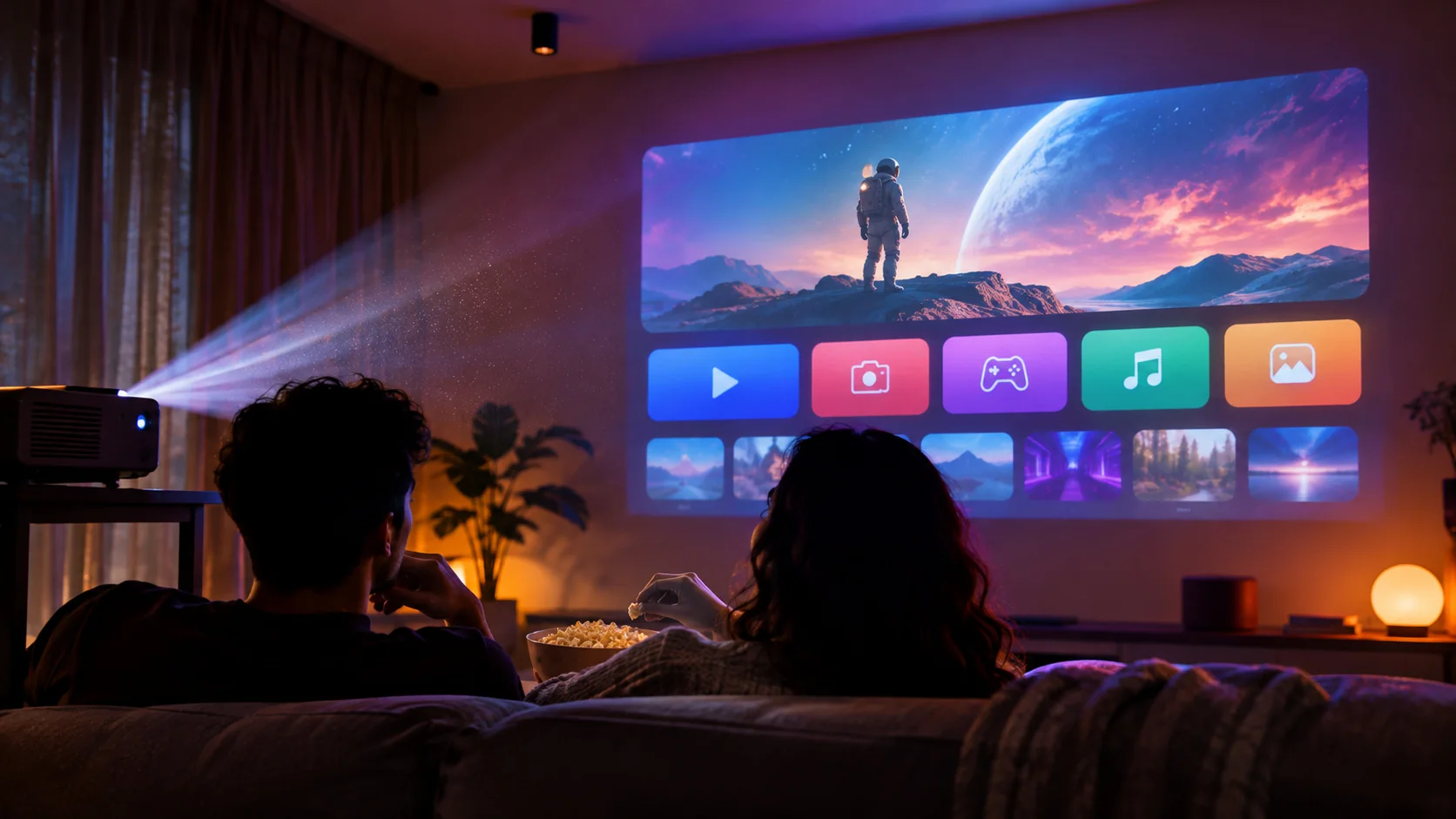
Movie night, fast and clear
A light home screen that opens quickly and gets out of the way, with no ads.
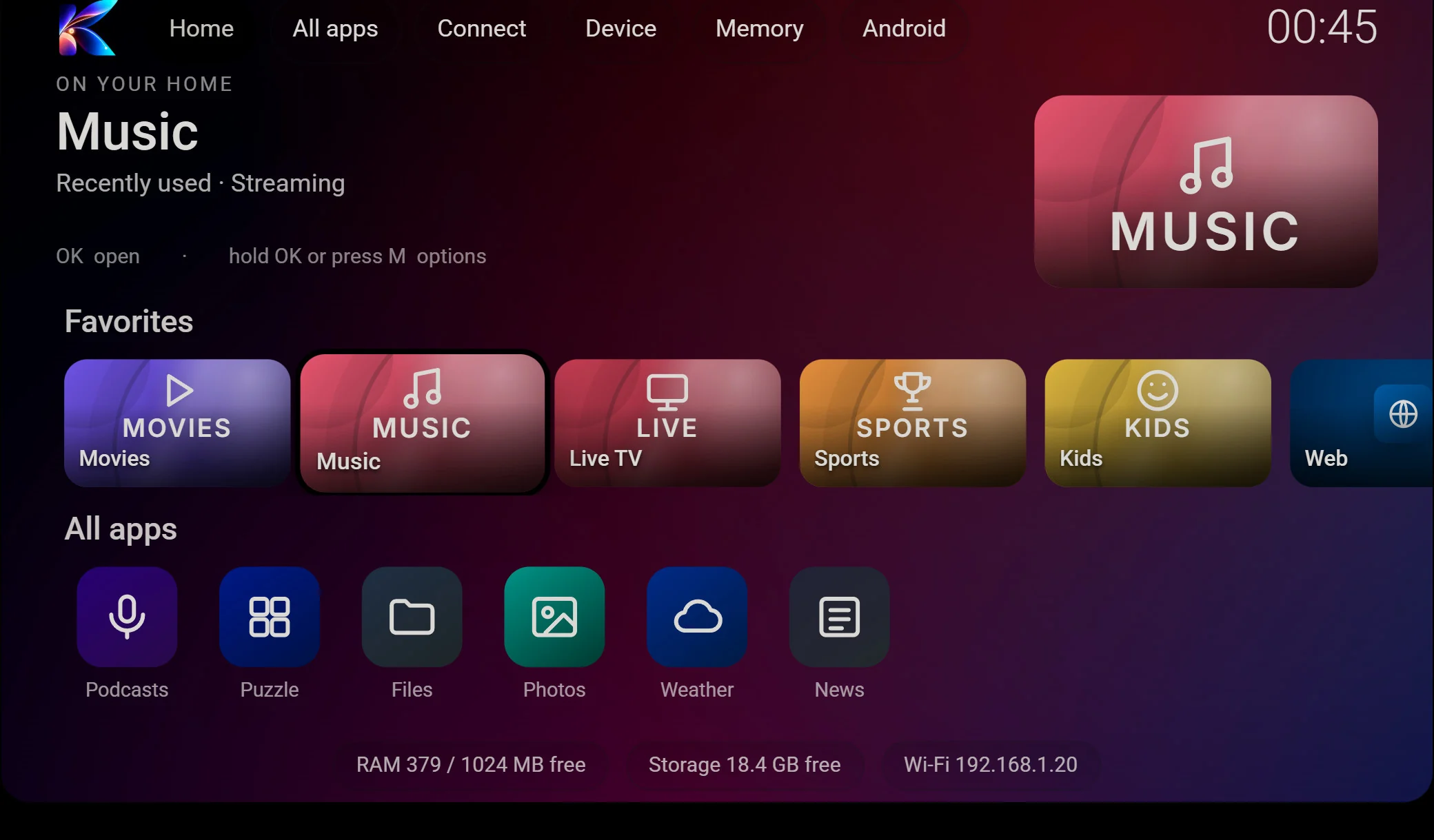
Smart TVs, projectors and TV boxes often ship with a slow home screen full of ads and apps you never use. Kermi Lumo replaces it with a light, clean, Google TV style layout: your favourite apps first, one-press memory cleaning and quick access to Wi-Fi, Bluetooth and casting. No ads, no account.
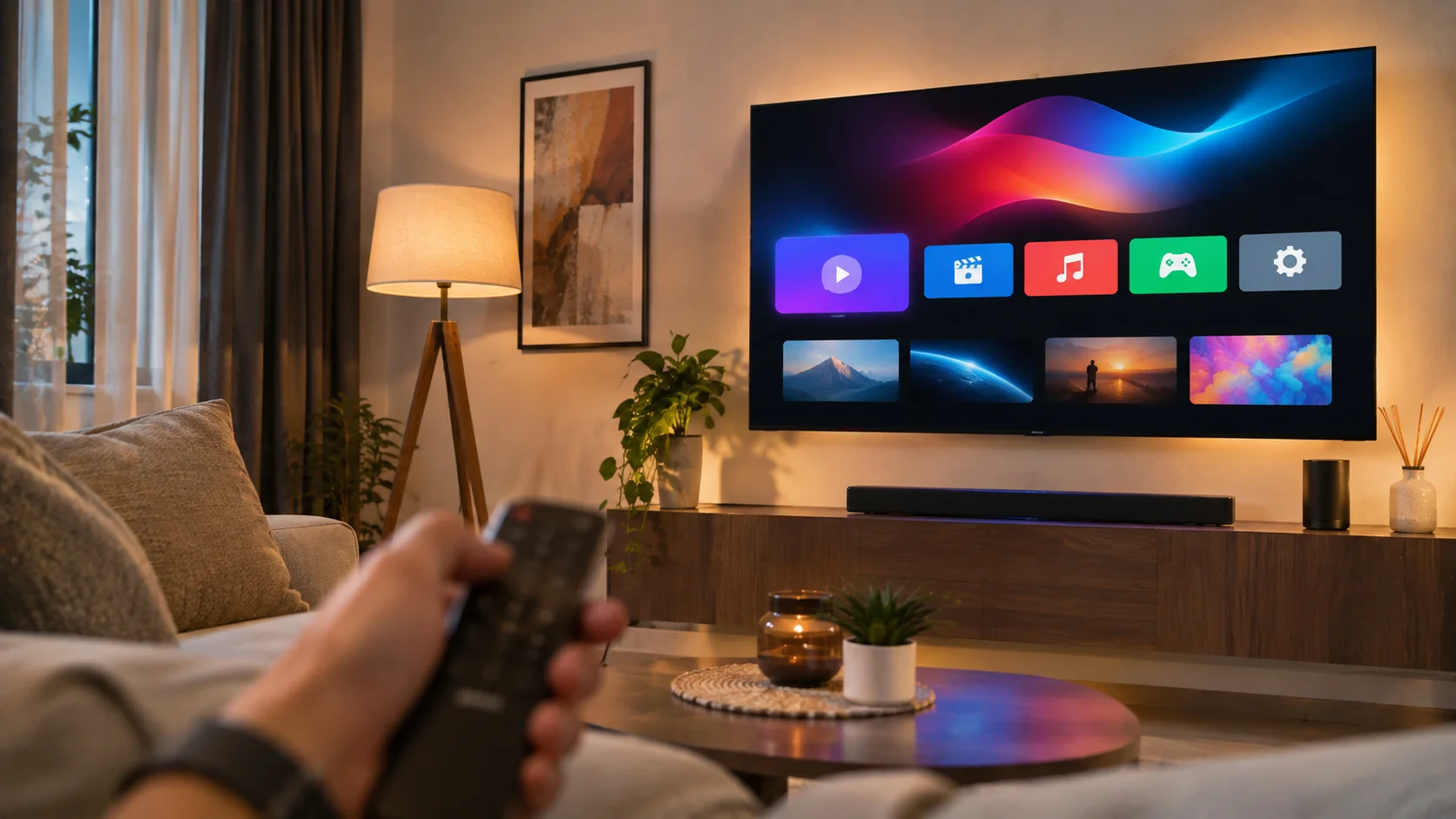
This is the real layout running in your browser with made-up demo apps. Everything responds: open an app and come back with Back or Home, hold OK (or press M) for options such as Move left, Hide or Add to Home, join a Wi-Fi network, pair Bluetooth, set the volume, change the theme and clean the RAM. Apps you open show up on the Memory page, and Check for updates plays the What’s new card.
Interactive: start with the arrow keysThe launcher interface is in English in version 1.0. An Arabic interface is planned.
A light home screen that opens quickly and gets out of the way, with no ads.
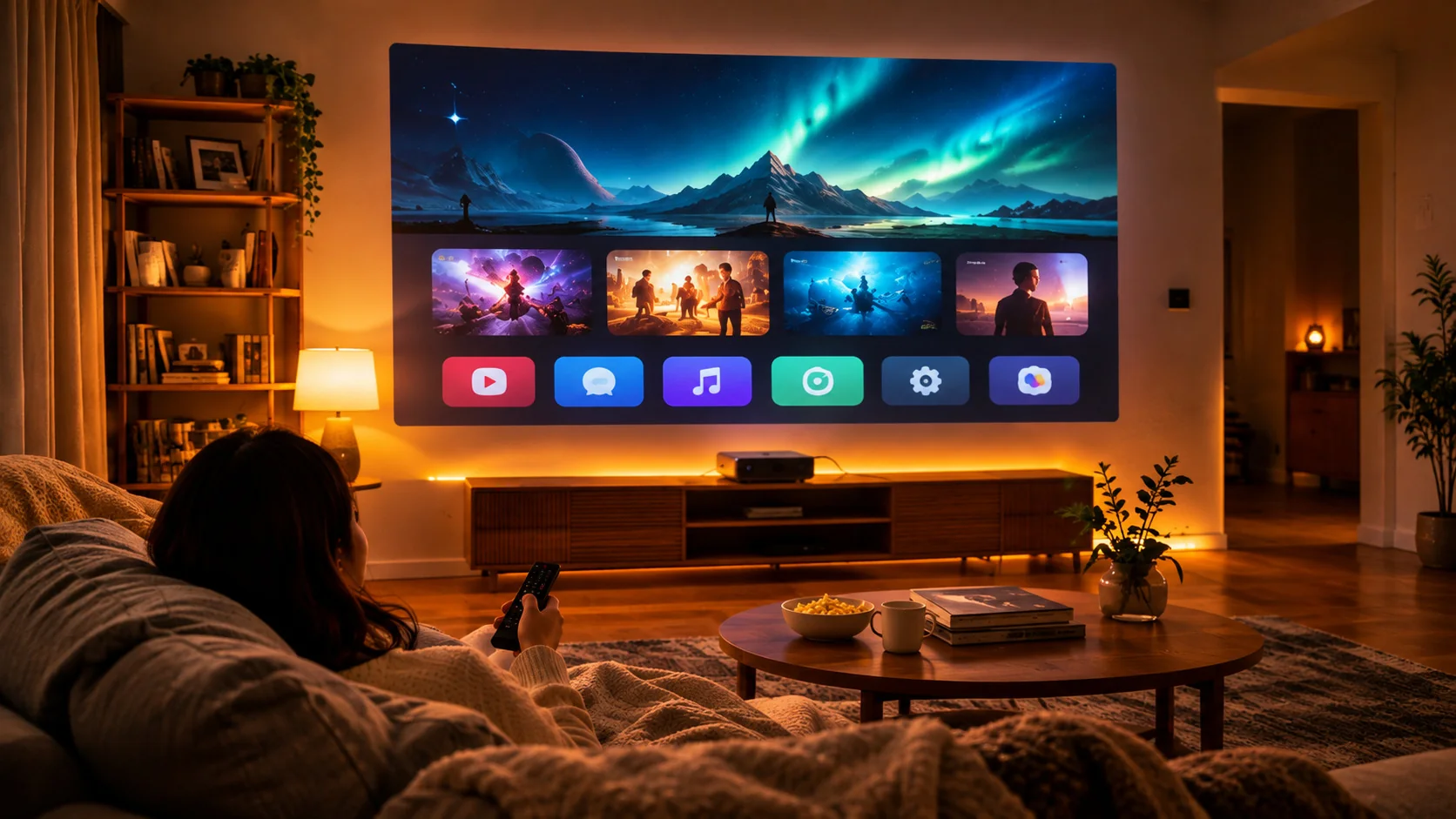
Your favourite apps, a one-press RAM cleaner and shortcuts to Wi-Fi, Bluetooth and casting, all from the remote.
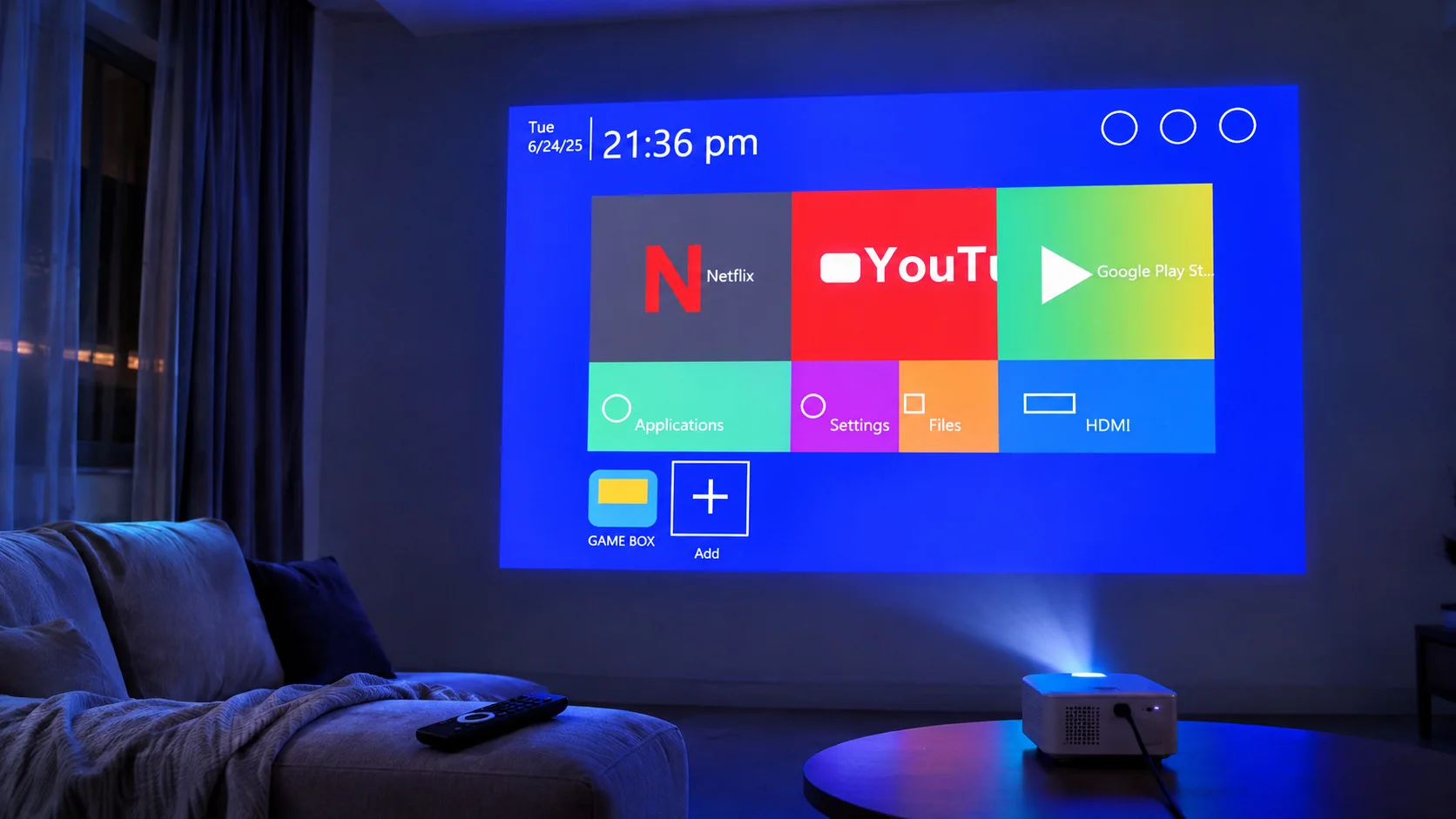
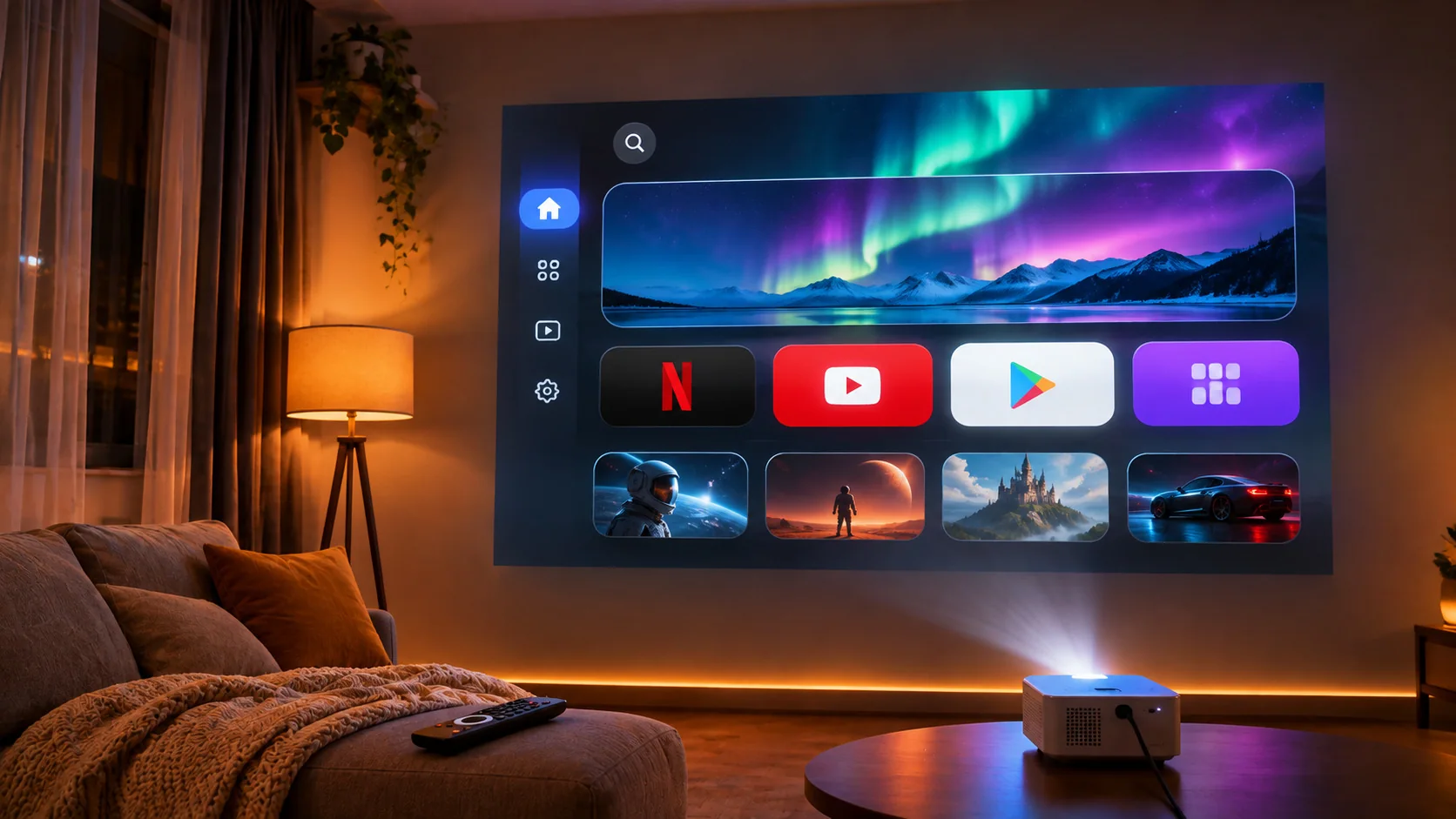
Many cheap TV and projector firmwares load heavy launchers with ad banners. Kermi Lumo is a few hundred KB of plain code with no ad network.
On 1 GB devices every megabyte counts. The Memory page shows what is running and stops background apps with one press.
Everything is reachable with arrows and OK. Big focus highlights, no tiny touch targets, and your favourites always come first.
Use the Downloader app on the TV, a USB drive, or your PC. The guide below shows each way step by step.
Press the Home button and choose Kermi Lumo, then “Always”. Android never lets an app do this silently, so it is your choice.
Open “All apps”, press OK on an app and choose Add to Home or Move position. You can undo everything.
A large hero area and a row of favourites. It shows each app’s own TV banner when the app has one.
Move apps, hide the ones you never use, and add any app to Home with the remote.
See RAM and storage, then stop background apps one by one or all at once.
Wi-Fi, Bluetooth and casting settings one press away, plus extra tiles only when your device has them.
Display, sound, apps, date and time, language, keyboard and accessibility in one clear page.
Six background themes you can cycle through from the Device page.
The app tells you when a new version is ready, shows what changed, and installs it when you press Update now, or later with Remind me later.
No account, no ads, no tracking of what you watch. The only thing sent is the update check.
kermi.one/get/tv-launcherKermi-Lumo.apk to a USB drive.adb connect 192.168.1.50:5555adb install Kermi-Lumo.apkadb shell cmd package set-home-activity one.kermi.lumo/one.kermi.lumo.HomeActivitySome budget devices close the previous app aggressively when you press Home. That is the device’s own memory policy, not the launcher.
SHA-256:
Yes. It is free, has no ads and needs no account.
It works on devices running Android 7.0 or later that allow installing apps from outside the Play Store: Android TV, Google TV, most smart projectors and TV boxes. A few locked-down TVs do not allow it.
Only when you choose it as the Home app. Your original launcher stays installed and untouched, and you can switch back from Settings at any time.
Android warns about every app installed from outside the Play Store. The file is signed by Kermi, so future updates install over it. Download it only from kermi.one.
No ads. It does not read what you watch. About once every six hours it checks for updates and sends a random install ID, its version number and your language, so we can count installs and tell you about new versions.
When a new version is ready the launcher shows a message with a What’s new section. Press Update now to download and install it (Android asks you to confirm), or Remind me later to be asked again tomorrow.
Open All apps, press OK on the app and choose Add to Home. If you hid it earlier, choose Show on home.
Not yet. Version 1.0 is English only. Arabic app names from your device appear correctly, and an Arabic interface is planned.
Free, light and private. Try the demo above, then install it in a minute.
Download APK