 KERMI
The KERMI blog
Practical, honest guides for the problems our apps solve: PDFs, vectors, files, flash drives, speakers and smart homes.

How to Edit Text in a PDF Without Changing the Font
Why PDF text edits change the font, and how to edit a PDF so the new words keep the same font, size, colour and alignment. A step by step guide with Folia, free for Windows.
3 November 2026 · 6 min read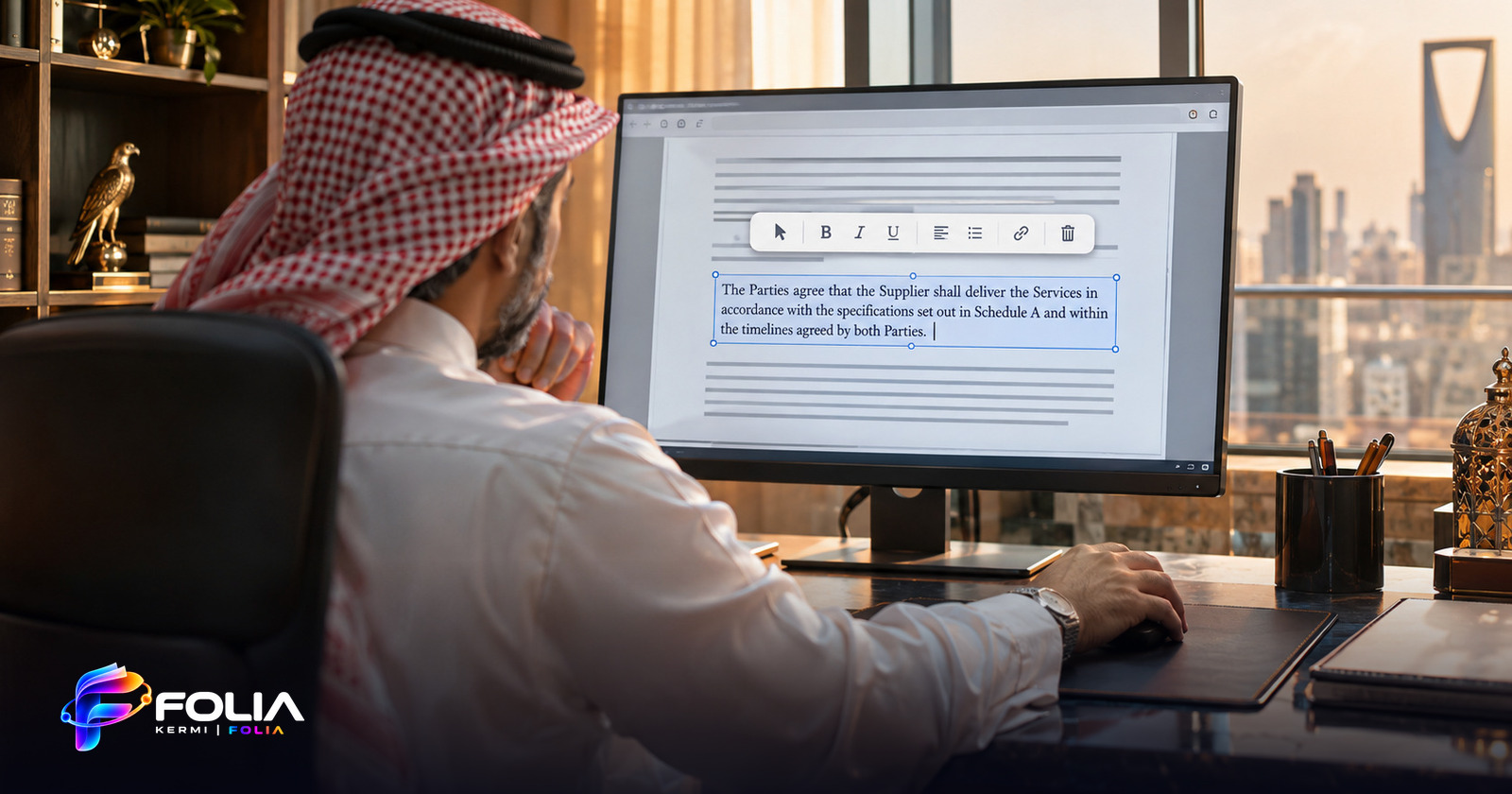
Arabic Letters Disconnected After Editing a PDF? How to Fix It
Why Arabic text turns into separate, unjoined letters when you edit a PDF, why mixed Arabic and English lines break, and how to edit Arabic PDFs correctly on Windows.
3 November 2026 · 6 min read
How to Convert a PNG or JPG Logo to a Clean SVG Vector on Windows
A practical guide to turning a PNG or JPG logo into a clean vector (SVG, PDF, EPS, DXF) on Windows, removing the background first, and upscaling small images with Vexa.
3 November 2026 · 6 min read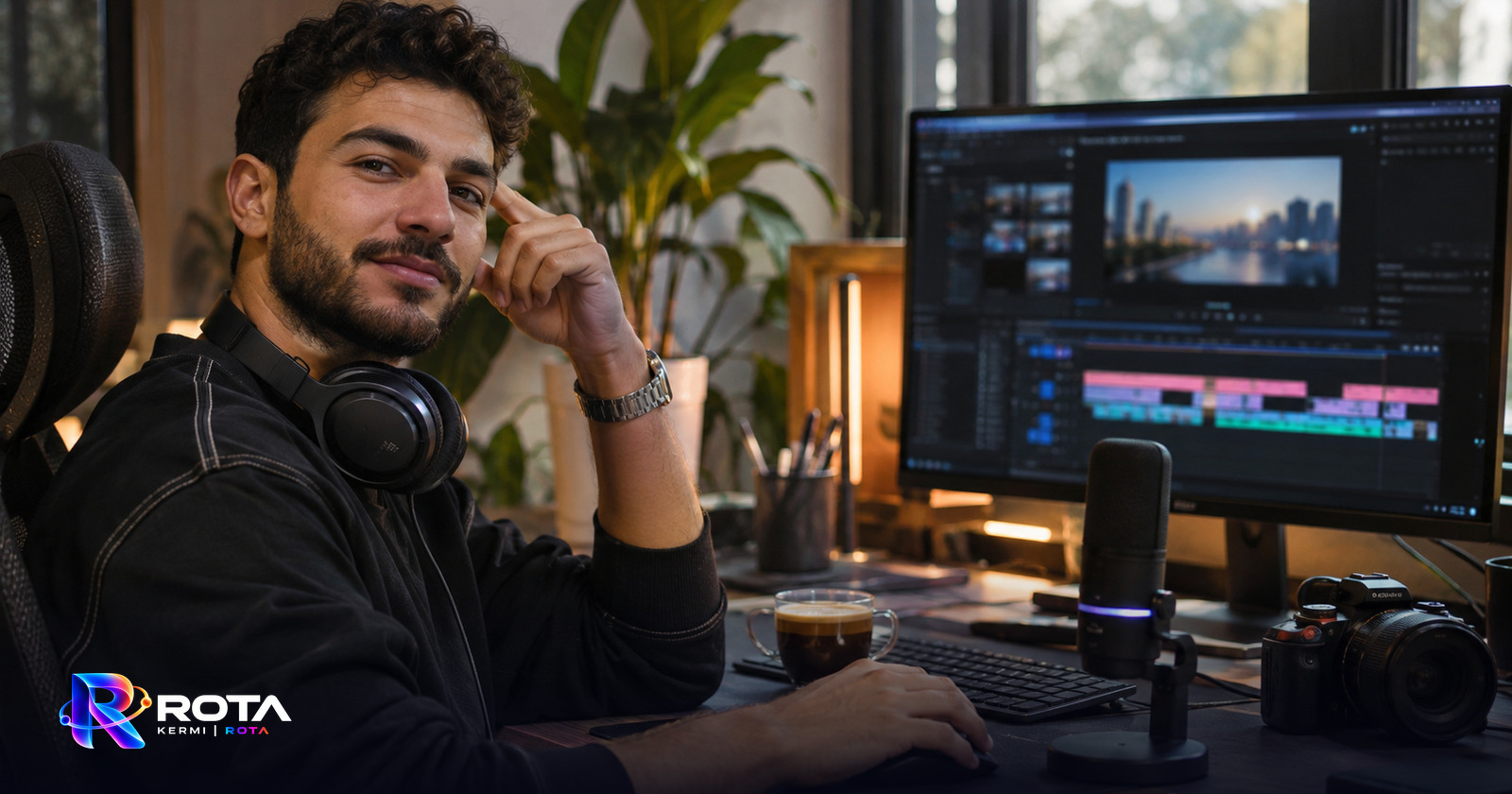
Convert Any File on Windows by Dragging It and Holding Shift
How Rota turns file conversion into one motion: drag a file, hold Shift, and pick the format from a glass wheel. Images, PDF, Office, audio and video, offline.
3 November 2026 · 5 min read
USB Flash Drive Shows Unallocated or Turned Into Shortcuts? Fix It Without Formatting
What to do when a USB flash drive or disk shows Unallocated, asks you to format, or all folders became shortcuts. Safe steps to repair it and recover your files with Salva, free for Windows.
3 November 2026 · 7 min read
How to Play Sound on Two Bluetooth Speakers at Once on Windows 10 and 11
Windows plays sound on one output at a time. Learn how to play the same sound on two or more Bluetooth speakers in stereo or mono, and fix the echo with automatic sync using BTSplit, free.
3 November 2026 · 6 min read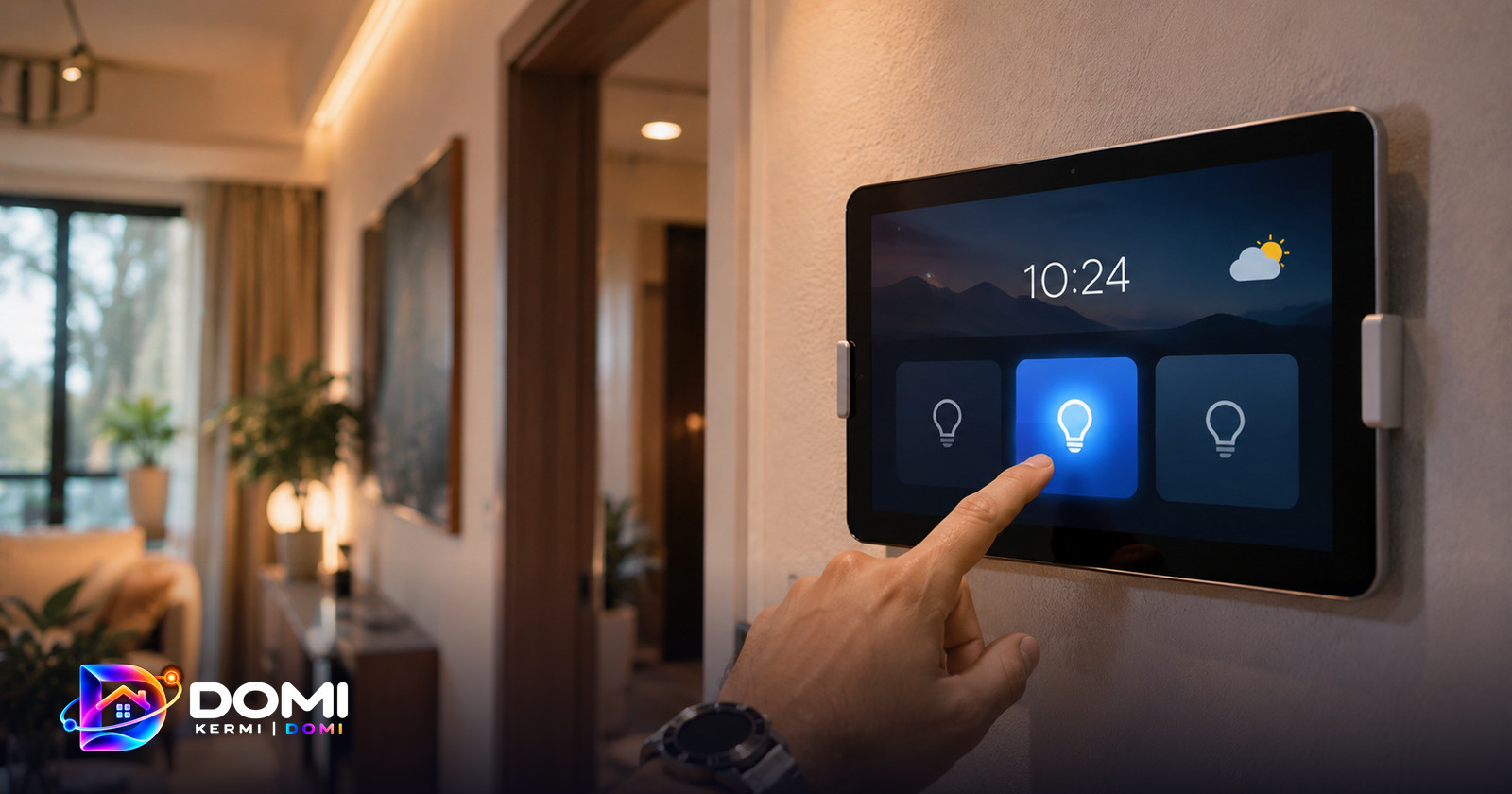
Turn an Old Android Tablet into a Smart Home Panel with Home Assistant
Give an old Android tablet a second life as a wall-mounted smart home panel: live Home Assistant lights, rooms and scenes, now playing, and a night clock. Free, no ads, with Kermi Domi.
3 November 2026 · 6 min read
How to Copy Text from a Screenshot on Windows (Arabic and English OCR)
Pull the text out of any screenshot or image on Windows with free offline OCR, Arabic and English. No upload, no account: Lino copies the text straight to your clipboard.
3 November 2026 · 5 min read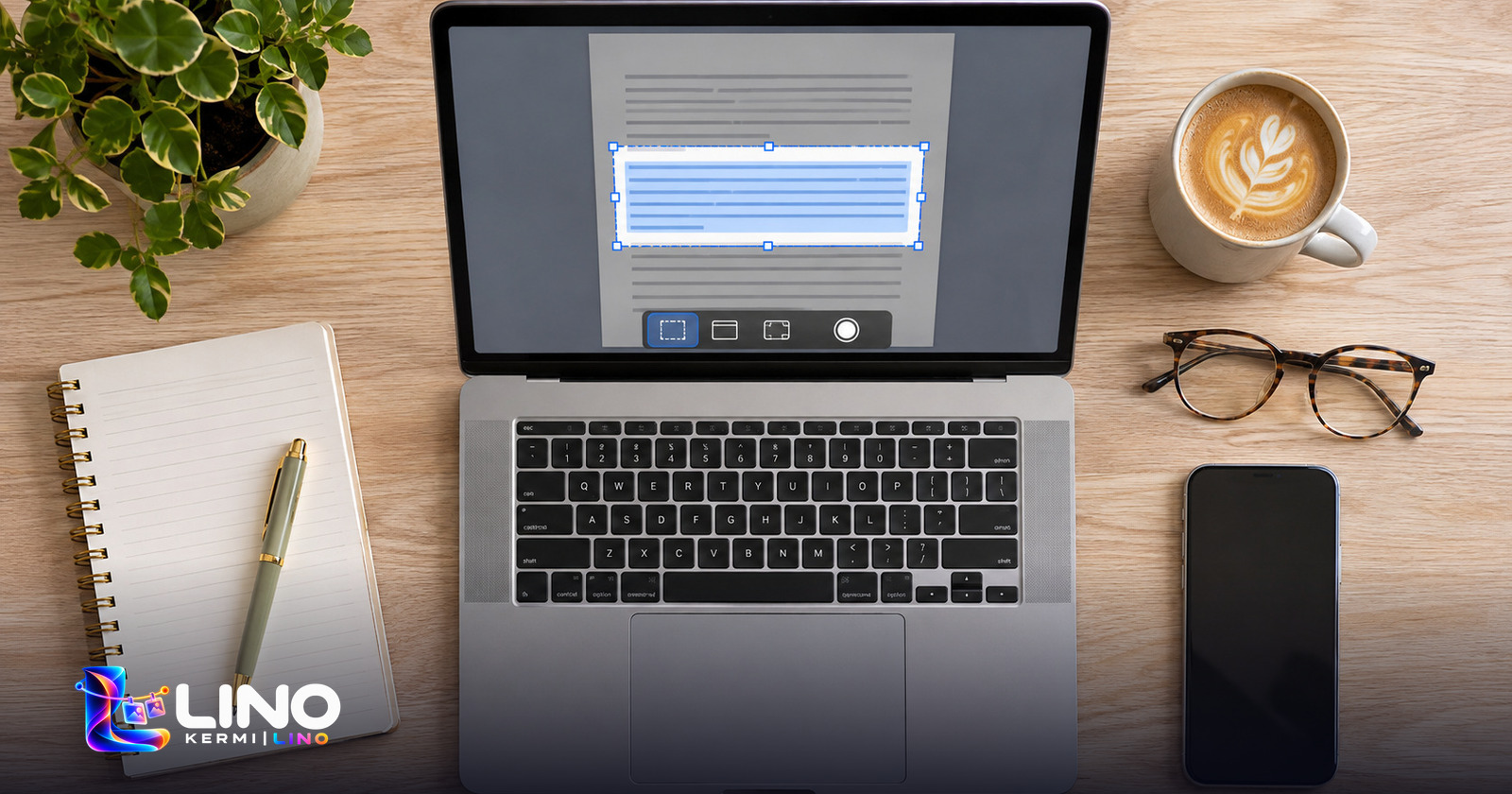
How to Blur Passwords and Private Info in a Screenshot Before Sharing
Hide API keys, emails, phone numbers and names in a screenshot before you send it, then mark it up with arrows and text. A free Windows tool that never alters your original.
3 November 2026 · 5 min read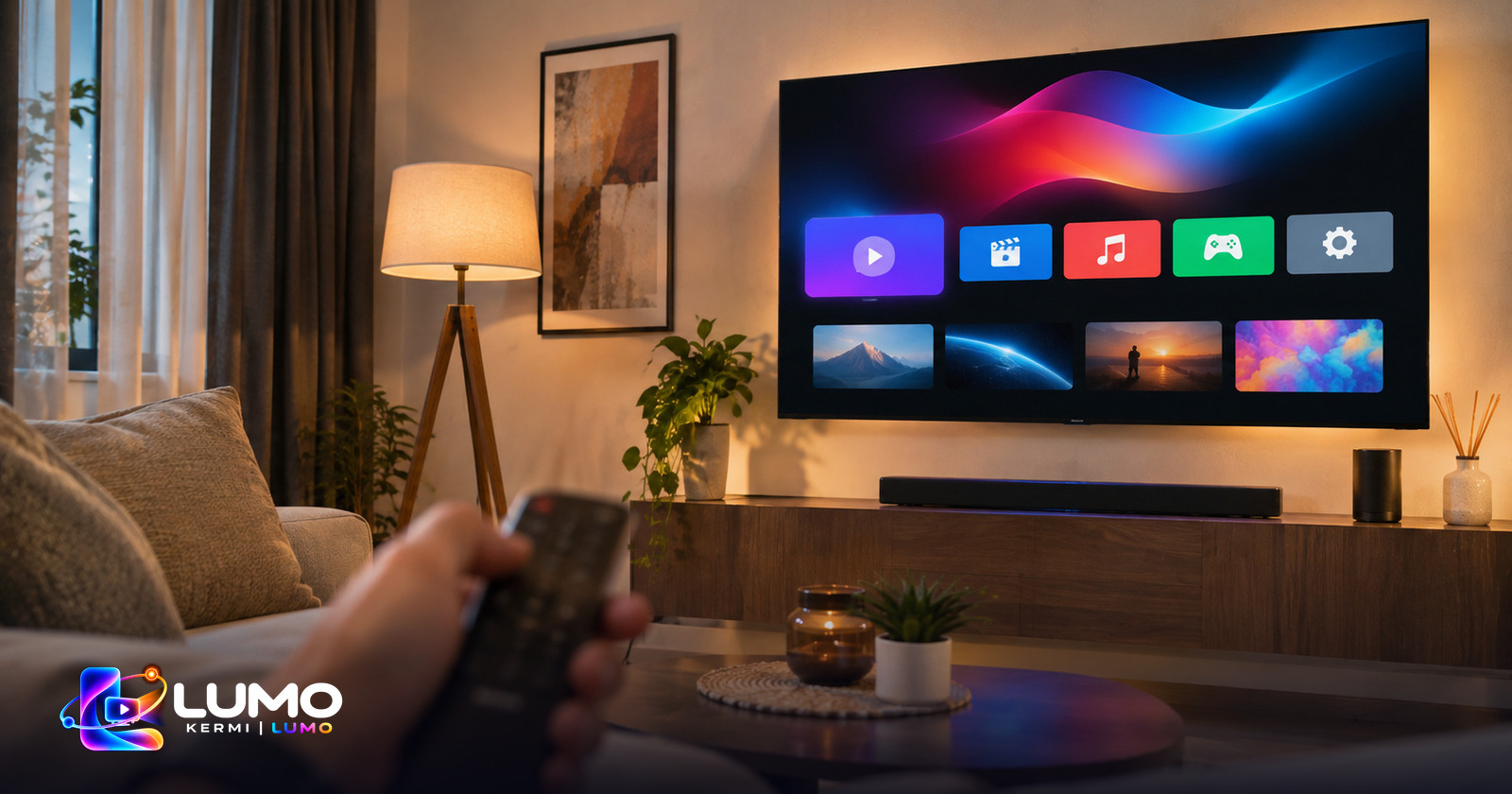
How to Fix a Slow, Ad-Filled Android TV or Projector Home Screen
Cheap smart TVs and projectors often ship a heavy launcher full of ads. Replace it with the free Kermi Lumo launcher: faster, cleaner, one-press memory cleaning, no ads.
3 November 2026 · 5 min read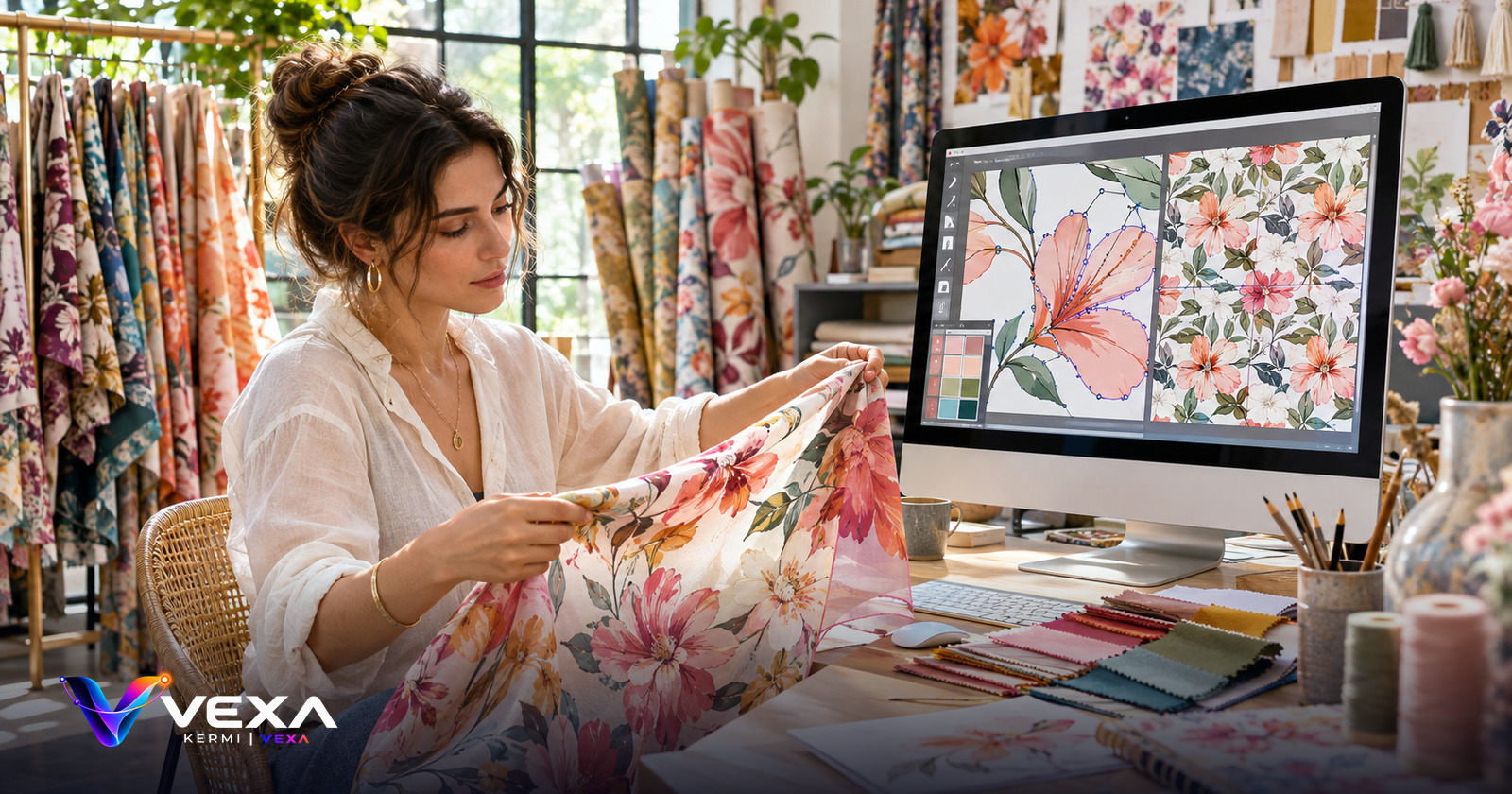
How to Remove an Object or Background from a Photo Offline on Windows
Brush away unwanted objects, cut out a subject or make the background transparent with on-device AI. Vexa runs on your PC: no upload, no subscription for the basics.
3 November 2026 · 5 min read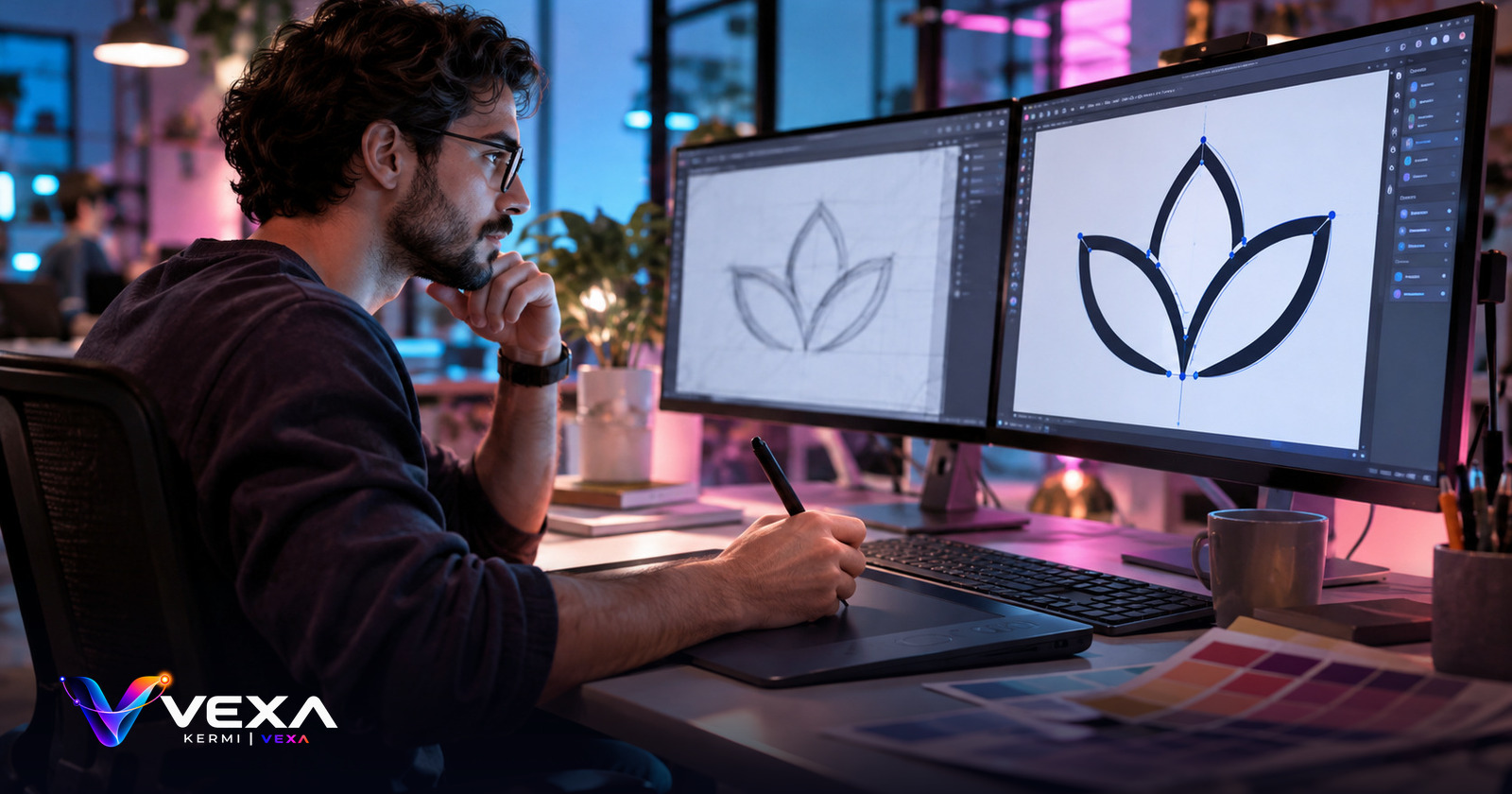
How to Make a Seamless Repeat Pattern for Textile and Print Design
Turn a sheet of motifs into seamless repeats: half-drop and other layouts, seam fixing, colourways and layered export. A practical guide for pattern and textile designers.
3 November 2026 · 5 min read
How to Convert HEIC iPhone Photos to JPG on Windows for Free
iPhone photos in HEIC will not open everywhere. Convert them to JPG or PNG on Windows by dragging with Shift held, using the free Rota wheel. The result lands next to the original.
3 November 2026 · 5 min read
How to Trim a Video or Audio File on Windows Without Complicated Software
Cut the start and end of a video or audio file by dragging two handles on a thumbnail strip or waveform, with a live preview. A simple free trimmer for Windows built into Rota.
3 November 2026 · 5 min read
How to Edit a Table in a PDF Without Breaking the Layout
Change one price or total in a PDF table without moving the whole row. Folia edits cell by cell, keeps the font, size and alignment, and shows a live before and after preview.
3 November 2026 · 5 min read